AR Technology in Packaging: Is Interactive Packaging the Next Big Thing?
You see big brands experimenting with AR packaging1, and it looks impressive but complicated. You wonder if it's just a fleeting gimmick or a powerful new tool you're falling behind on.
Yes, interactive packaging2 is rapidly moving from novelty to necessity. By adding an AR layer3 to your package, you can provide dynamic content4 like how-to videos, nutritional info, or brand stories directly to the consumer's phone, boosting engagement and sales.
I remember seeing the 19 Crimes wine app5 for the first time. You point your phone at the label, and the person on the bottle literally comes to life and tells you their story. It wasn't just a cool trick; it was brilliant storytelling that made people talk and share. It transformed a simple wine bottle into an entertainment experience. That was the moment I realized AR in packaging wasn't just about spinning 3D logos. It's about using the package as a key to unlock a deeper, more engaging digital world. For a designer like Jacky, this means your canvas is no longer limited to the physical dimensions of the box; it's now infinitely expandable.
How Does AR Actually Work on a Package?
You understand the concept, but the technical part feels like a black box. How does a printed box communicate with a smartphone to show digital content?
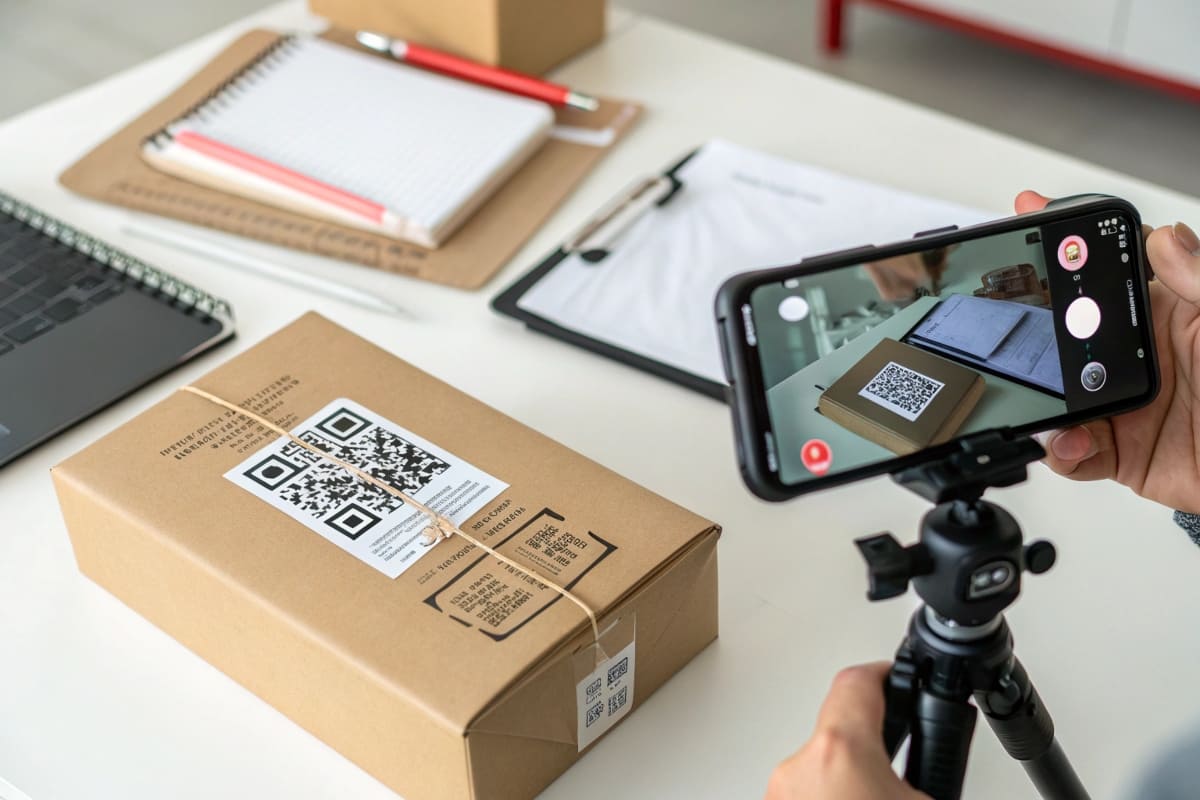
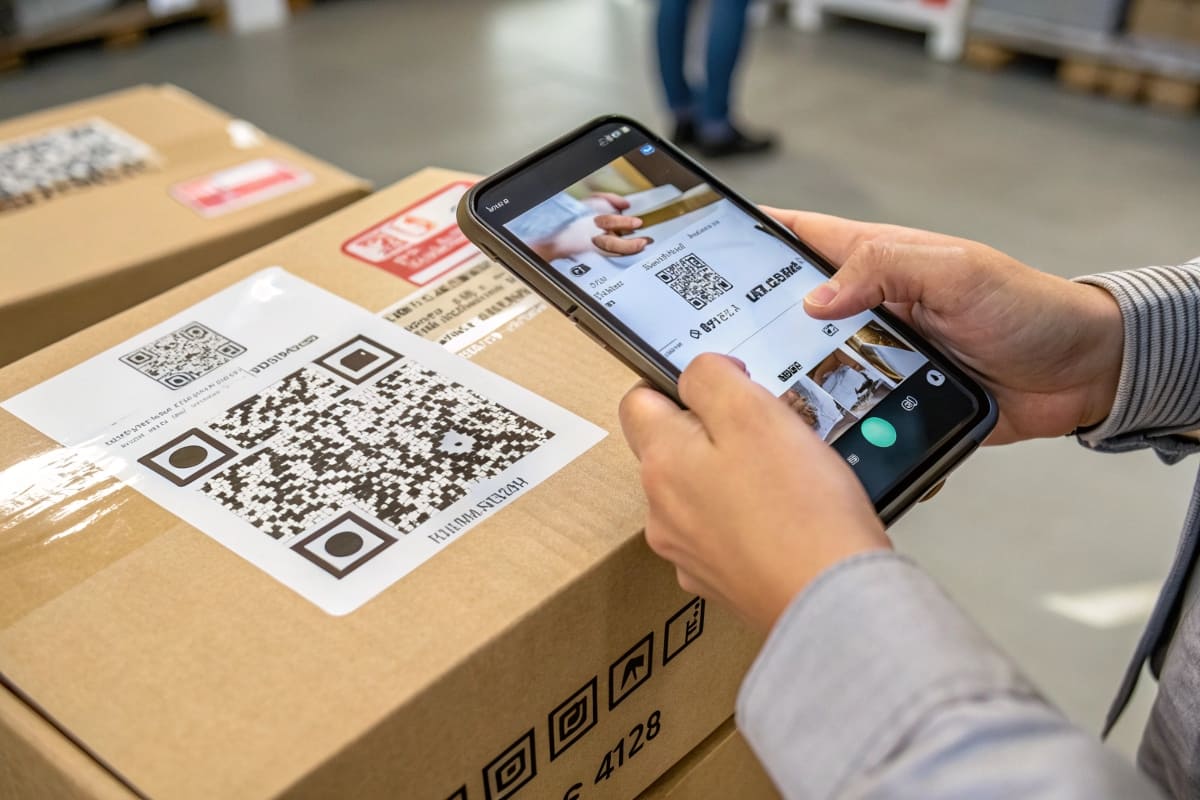
AR packaging works by using a "marker6" printed on the package—usually a QR code7 or a less obvious image—that an app on the user's smartphone recognizes. When the camera sees the marker, the app overlays the pre-programmed digital content onto the screen.
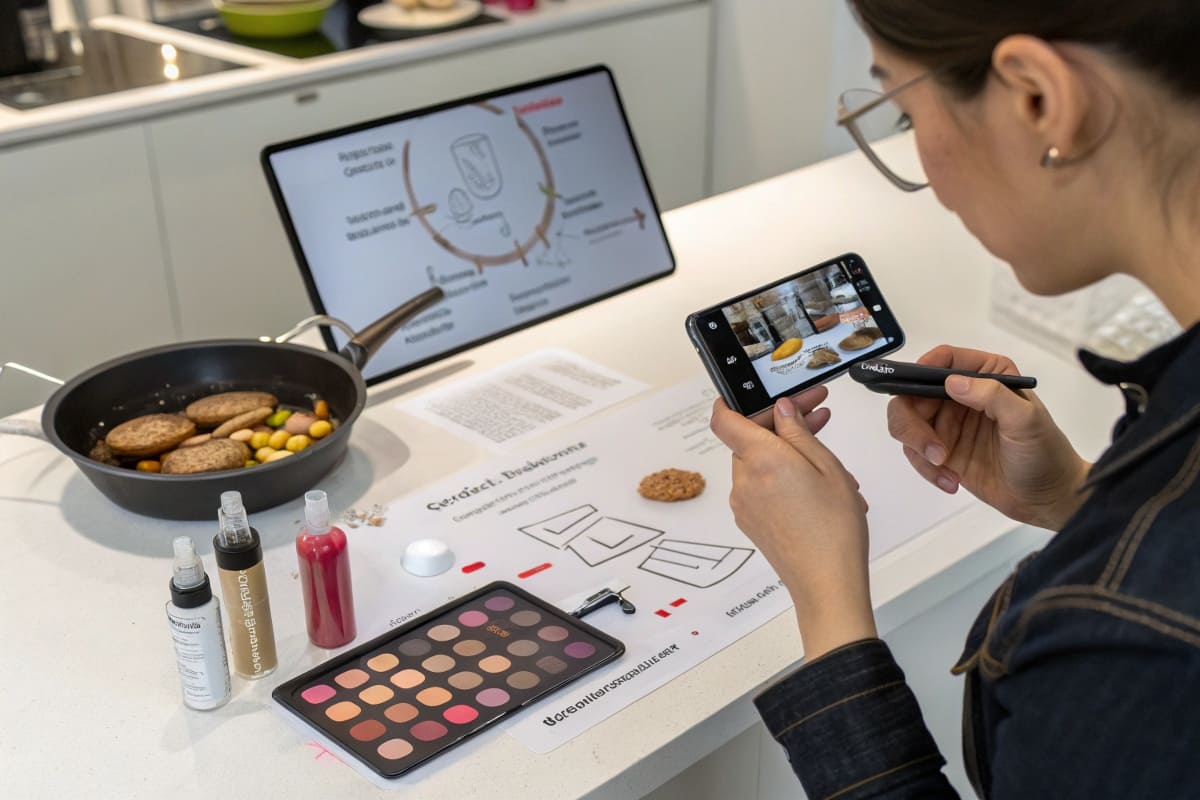
Think of it as a visual hyperlink. The design on your package is like a web address. When the phone's camera (the browser) sees it, it fetches the content (the video, animation, or 3D model) from a server and displays it. The key is the "marker." Early on, this had to be a clunky QR code. Now, the technology is sophisticated enough to recognize your brand's logo, a unique illustration, or even the shape of the product itself as the marker. I once worked with a toy company that used the main character illustration on the box as the marker. When kids pointed a phone at the box, the character would jump out and wave. For designers, this is fantastic. You don't have to ruin your beautiful design with an ugly code; you can integrate the AR trigger seamlessly into the artwork itself.
The Two Main Types of AR Markers
Choosing the right marker is a balance between user experience and design aesthetics.
- Code-Based Markers (QR Codes): This is the most straightforward method. The user knows exactly what to do: scan the code. It's universally understood and reliable. The downside is that a QR code can disrupt a clean design, though they can be styled with colors or logos to blend in better.
- Image-Based Markers: This is the more elegant solution. The AR app is programmed to recognize a specific image on your packaging—your logo, a photo, or any unique graphic. This allows the AR experience8 to feel more magical, as there's no obvious trigger. The challenge is ensuring the image is distinct and well-lit enough for the app to recognize it consistently.
What Practical Problems Can AR Solve for My Brand?
Cool animations are nice, but you need to justify the investment. You're looking for real business applications that solve customer problems or directly contribute to sales.
AR solves practical problems by providing information at the exact moment of need. It can show assembly instructions9 for complex products, offer recipes for food items, or allow customers to "try on" different lipstick shades by pointing a camera at their face.
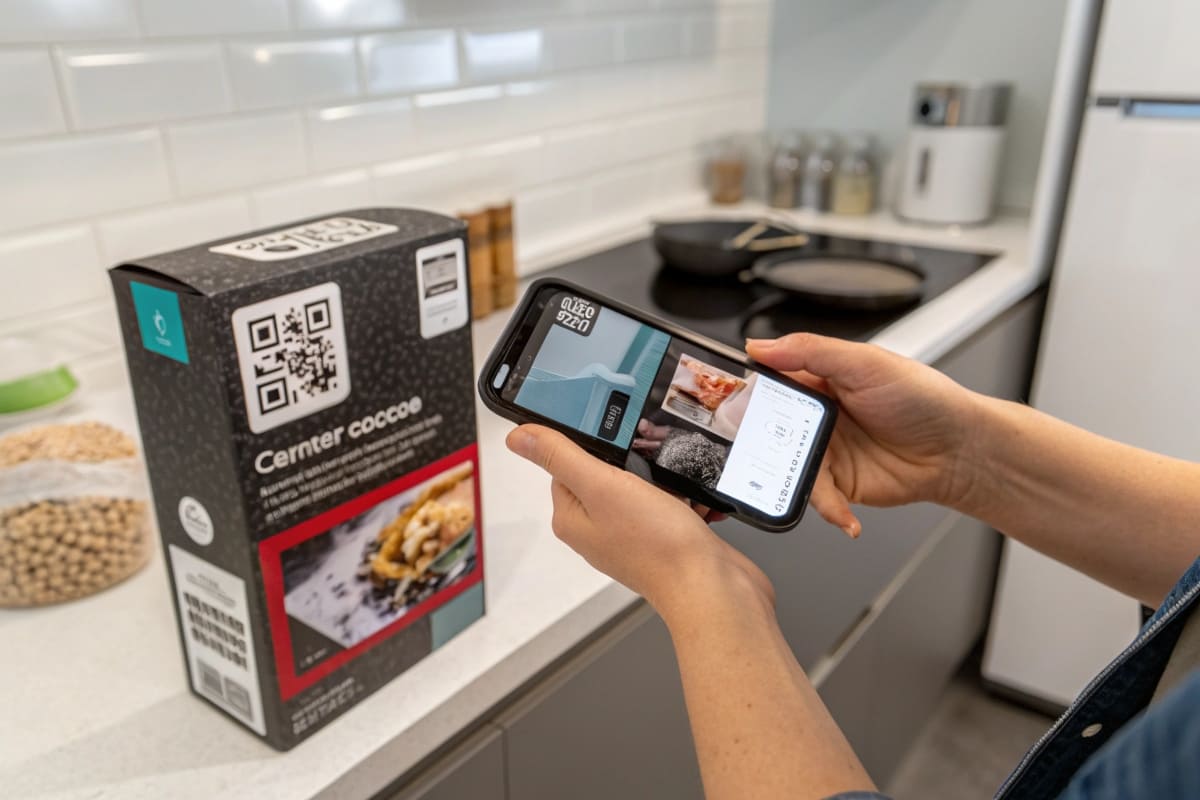
This is where AR gets really powerful. I had a client that sold complex, flat-pack furniture. Their biggest complaint was customers struggling with the confusing paper instruction manual. We replaced the 30-page booklet with a single AR marker on the box. When scanned, it launched a step-by-step 3D animated assembly guide. Customers could pause, rotate the model, and see exactly how parts fit together. Customer support calls related to assembly dropped by over 60%. Another client, a cosmetics brand, used AR to let customers see what a foundation shade would look like on their skin tone, right from the box in the store. This reduced the uncertainty that often prevents a sale. AR isn't just entertainment; it's a powerful educational and sales-conversion tool.
From Gimmick to Genuine Utility
Focus on using AR to add real value, not just a special effect.
- Education & Tutorials: Show customers how to use your product. This is perfect for food (recipes), cosmetics (application techniques), electronics (setup guides), and furniture (assembly).
- Enhanced Information: Packaging has limited space. Use AR to provide extended nutritional information, supply chain transparency details (e.g., "meet the farmer"), or multiple language options.
- Virtual "Try-On": For beauty, fashion, and home decor, AR can bridge the imagination gap. Let customers visualize a product in their life before they buy it, increasing purchase confidence and reducing returns.
| AR Application | User Problem Solved | Business Benefit |
|---|---|---|
| Assembly Guide | "This is too confusing to build." | Lower support costs, higher customer satisfaction. |
| Recipes/Usage Ideas | "I don't know what to do with this." | Increased product consumption and repeat purchase. |
| Virtual Try-On | "I wonder if this will look good on me." | Higher conversion rates, lower return rates. |
| Brand Storytelling | "Who is this brand? What do they stand for?" | Deeper brand connection and loyalty. |
Is Implementing AR Technology Prohibitively Expensive?
You're a product designer, not a software developer. The idea of building an app and creating 3D content sounds like it requires a massive budget and a team of specialists.
While custom development can be expensive, many AR platforms now offer user-friendly, template-based solutions. These services allow you to upload your content and link it to a marker for a manageable monthly fee, making AR accessible without a huge upfront investment.
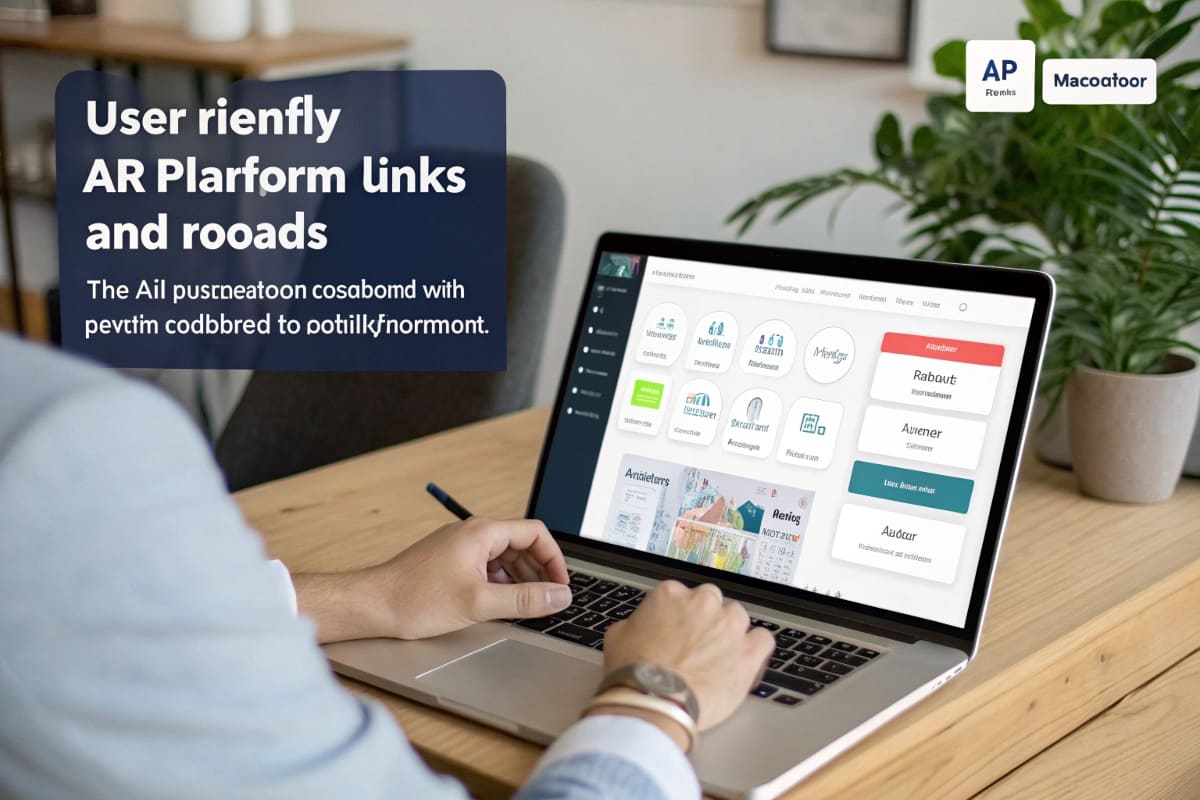
This is the biggest myth about AR today. Five years ago, you absolutely needed a team of developers. Now, there are dozens of "self-service" AR platforms like Zappar, Blippar, or Unity's MARS. They work like a content management system (CMS) for augmented reality. As a designer, you can log into their web interface, upload your package design as the marker, and then drag and drop the content you want to display—a video file, a 3D model, or a button that links to your website. You don't need to write a single line of code. While a highly complex, game-like experience still requires a bigger budget, creating a simple "scan-and-watch-a-video" experience is now surprisingly affordable, often costing just a few hundred dollars a month.
Entry Points for AR Implementation
You can dip your toe in the AR water without diving into the deep end.
- Start with WebAR10: The biggest friction point for users is having to download a dedicated app. WebAR allows the experience to run directly in the phone's web browser, triggered by a QR code. It's less powerful than a native app but much more accessible.
- Use Existing Social Media Filters: If your brand is active on Instagram or Snapchat, you can create a branded AR filter. Print the filter's QR code on your packaging. This leverages platforms your customers already use and encourages user-generated content.
- Partner with an AR Platform: For a more robust experience, subscribe to one of the self-service platforms. Start with a single product or campaign to test the ROI before rolling it out more broadly. The analytics11 they provide will show you exactly how many people are engaging with your content.
Conclusion
AR is evolving from a novelty into a strategic tool for engagement and education. By using accessible platforms and focusing on genuine utility, brands can make their packaging interactive and build deeper connections.
Understand the mechanics of AR packaging and its impact on consumer experience. ↩
Explore how interactive packaging can enhance customer engagement and boost sales. ↩
Learn about the advantages of adding an AR layer to packaging for better consumer interaction. ↩
Discover the various dynamic content options that can engage consumers effectively. ↩
Find out how this innovative app transforms wine labels into storytelling experiences. ↩
Learn about the role of markers in triggering AR experiences on packaging. ↩
Explore the pros and cons of using QR codes as markers in AR packaging. ↩
Learn the key elements that contribute to an engaging and effective AR experience. ↩
See how AR can simplify complex assembly processes and improve customer satisfaction. ↩
Understand the benefits of WebAR for enhancing user accessibility and engagement. ↩
Learn about the important metrics to measure the success of AR marketing efforts. ↩